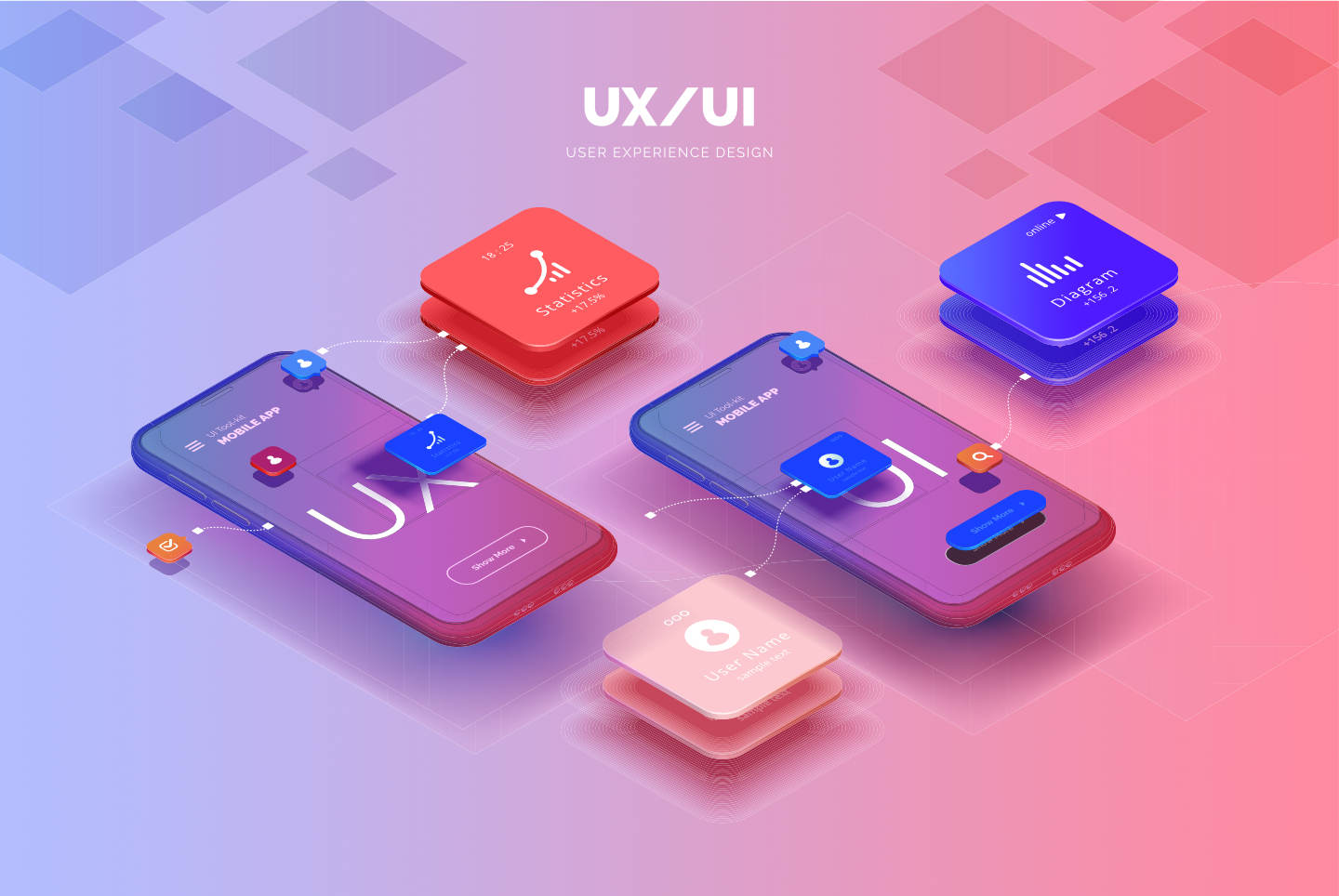
7 Creative Alternatives to Traditional UI Buttons
When designing user interfaces, traditional UI buttons can often feel stale and uninspired. To enhance user engagement and create a more memorable experience, consider incorporating creative alternatives. One popular option is using icons as interactive elements. Icons can streamline the interface and are often easier for users to recognize and engage with. Another innovative approach is the use of gestures, allowing users to navigate and execute commands with simple swipes or taps, providing a more fluid experience compared to clicking a button.
Additionally, hover effects can add a dynamic layer to your UI, transforming elements as users focus on them, which enhances their interaction without the need for buttons. Employing micro-interactions, such as animations when a user completes a task, can also provide feedback and lead to a sense of accomplishment. Lastly, consider integrating voice commands into your design; this not only modernizes the interface but also makes it more accessible, providing users with the ability to interact hands-free.
How to Elevate User Experience: Beyond Basic Button Design
To elevate user experience, it's essential to move beyond basic button design and consider the overall interaction a user has with your website or application. This involves implementing intuitive navigation that guides users seamlessly through the content. For instance, utilizing visual cues such as hover effects, clear labels, and contrasting colors can greatly enhance the visibility of buttons. Moreover, ensuring consistency in design elements across platforms and devices contributes to a cohesive user journey.
Another critical aspect of enhancing user experience is feedback mechanisms. Users should be informed about their actions through visual or auditory responses when they interact with buttons. This can include animations, sound effects, or just a simple color change upon clicking. Additionally, incorporating accessibility features like keyboard navigation and screen reader support not only broadens your audience but also establishes a stronger sense of inclusivity. By focusing on these areas, designers can significantly improve user satisfaction and engagement rates.
Are Your UI Buttons Boring? Signs It's Time for a Revamp
Are your UI buttons boring? If your buttons blend into the background and lack visual appeal, it might be time for a revamp. Here are some signs to look out for:
- Your buttons lack distinct colors or shapes that grab attention.
- Users frequently illustrate confusion or hesitation when trying to make a selection.
- The buttons have not been updated in a long time and do not match modern design trends.
Another indicator that your UI buttons need rejuvenation is their lack of interactivity. If users click your buttons expecting feedback but receive none, it can lead to frustration. Additionally, consider the key characteristics of effective buttons:
- They should provide visual feedback, such as changing color when hovered over.
- They should be appropriately sized to ensure easy accessibility.